Jack sewing article
We Lost $11,000 on an Embroidery Machine That Was Exactly As Advertised
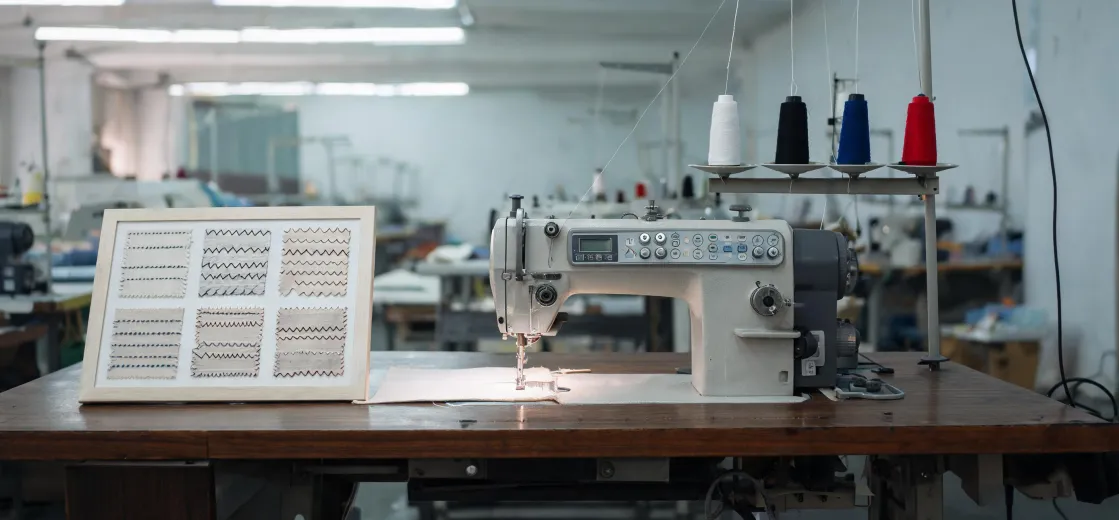
We kept that embroidery machine for four months. Then we loaded it into the back of a van and sold it. Lost almost three grand on the resale alone—not counting the phone call I had to make to a client whose order was three weeks late.
The machine wasn't defective. It did everything the brochure promised. That was the problem.
The Question Everyone Asks (And Why It's the Wrong One)
If you're in the market for an industrial embroidery machine right now, I know exactly what you're doing. You're searching jack sewing machine reviews, comparing specs on the jack sewing machine official website, maybe checking if there's a used brother pr680w embroidery machine for sale somewhere. You're reading embroidery machine news to see if some new model just dropped that'll make your decision easier.
I did all of that too. In 2021, I spent about six weeks researching before pulling the trigger on a 6-head machine. Compared specs across four brands. Read every review I could find. Talked to two dealers.
And I still got it wrong.
Not because I picked a bad machine. Because I was asking the wrong question. The question isn't "which machine is best?" The question is: "what will actual sewing machine output look like in my specific shop?"
Those are very different things.
The Real Reason Your Output Falls Short
Spec sheets measure perfect conditions. You don't work in perfect conditions.
That 1,200 SPM figure? It comes from a controlled test—single color, no thread breaks, ideal thread tension, perfect backing, a pattern that's optimized for speed. Nobody's shop runs like that.
Let me give you the actual math for a typical job. A 4-color logo, maybe 8,000 stitches per piece. You're running 6 heads, so theoretically you're producing 6 pieces every 7 minutes or so. Sounds great on paper.
Now add reality:
- Color changes: 12–18 seconds per change, and that's per head if something's off with tension
- Bobbin changes: every 1,500–2,000 stitches, sometimes less with heavier thread
- Hooping and unloading: 30–45 seconds per round depending on the fixture
- Thread breaks: 1–4 times per piece if you're working with metallic or specialty threads
- Daily maintenance and cleaning: eats 10–15% of each shift if you're disciplined about it
When I actually tracked our runtime over three weeks, our real output was about 58% of the theoretical maximum. And we weren't doing anything wrong. That's just what production looks like.
If you're planning capacity at 85–90% of the spec sheet number, you're already behind before you've started your first job.
The bottleneck is almost never the machine itself
Here's the part that took me way too long to learn. I kept thinking about sewing machine output as a machine problem. Faster machine, more output. Simple.
But when I logged every single stoppage over those three weeks, the picture was embarrassing. The top three causes of lost production time:
- Waiting for the next embroidery file to be prepped and loaded
- Running out of a specific thread color mid-run
- Operator adjusting tension settings on a new design
The machine was running fine. The system around it was broken.
I'm not a software or workflow specialist, so I can't tell you exactly how to optimize your file prep process. What I can tell you from a production floor perspective is that no machine upgrade will fix a bottleneck that exists outside the machine.
"Faster" depends entirely on what you're making
This is where the review sites really let you down. They compare machines spec-to-spec. This one does 1,200 SPM, that one does 850. Faster must be better, right?
Not necessarily.
If your typical order is 20–50 pieces with multiple color changes, a machine with slower top speed but faster color-change mechanics will outperform a "faster" machine every single day. If you're running 500 identical pieces in 2 colors, then raw speed dominates.
The most frustrating part of buying equipment: you read a hundred reviews and almost none of them tell you what order profile the machine is actually designed for. They just list specs and call it a comparison.
What It Actually Costs to Get This Wrong
Let me break down what that four-month experiment cost us. Because the sticker price is only the beginning.
The machine itself was $8,400. Used, but in solid condition. After we resold it—eight months after purchase, four months after we stopped using it seriously—we got $5,600. So there's $2,800 gone.
But the real damage:
- We missed delivery on a recurring client's order twice. They left. That's roughly $5,200 in annual revenue I'll never get back.
- Wasted materials from test runs and failed setups: around $1,400.
- Extra hours spent troubleshooting and re-running jobs that should have been straightforward: probably 60–80 hours of my team's time.
All in, that machine cost us something close to $11,000 when you add it all up. For a machine that worked exactly as advertised.
I've got the spreadsheet somewhere. If I remember correctly, the exact number was $10,847. Though I might be off by a couple hundred—I'm not going to dig through three years of expense reports to verify.
The 12-Point Checklist I Built After Mistake Number Three
After the third time I got burned on equipment decisions—not always machines, sometimes accessories or software that didn't integrate right—I put together a pre-purchase checklist. The core six points are below. These are the ones that actually changed outcomes.
- Calculate real output, not theoretical. Take the published SPM, multiply by 0.6–0.7, then deduct for color changes and hoop changes. If that number doesn't meet your needs, walk away.
- Insist on a sample run with your actual design. Not their demo file. Your file, your thread, your backing. Ideally your operator. If they won't arrange this, that's information.
- Ask about the total cost of ownership for year one. Needles, bobbins, backing, thread, software licenses, maintenance. This typically runs 8–15% of the machine's purchase price annually.
- Verify training and support in writing. What's included? How many hours? On-site or remote? What's the guaranteed response time when something goes wrong?
- Check the resale market. No judgment—sometimes you need to sell. How liquid is this model? What are used prices looking like? If resale is terrible, factor that into your purchase decision.
- Get the realistic output commitment in writing. Not "up to" or "depending on application." If they won't commit to a range for your use case, that tells you something.
That last point is the one that saved me on the next purchase. The dealer wouldn't put a number on the spec sheet beyond "application dependent." I passed and went with a different supplier. Five minutes of asking uncomfortable questions beat potentially five days of rework.
I've only worked with small-to-mid-sized production operations—we've never run more than 12 heads. If you're working at a much larger scale with different order profiles, some of this may not translate directly. But the core principle holds: understand your actual bottleneck before you buy a solution.
The Bottom Line
The spec sheet is the starting point, not the answer. The reviews are useful context, not a decision framework. And the cheapest machine with the best specs is still expensive if it doesn't fit how you actually work.
Prevention costs a few uncomfortable questions. Cure costs $11,000 and a lost client.
Do the math before you sign anything.

Tobias Lindgren
Tobias Lindgren is a digital inkjet systems analyst specializing in UV flatbed, roll-to-roll UV, and general inkjet printers for signage, rigid media, labels, prototypes, and promotional graphics. He references ISO 12647-7 for applicable digital proof evaluation while comparing CIELAB colour difference, resolution, droplet size, pass count, curing energy, adhesion, banding, media flatness, throughput, and ink consumption. His evaluations help print service providers and equipment buyers balance colour control, substrate compatibility, finishing requirements, productivity, maintenance burden, and cost per sellable print.